Pair programming is a collaborative practice where two developers work together at one workstation to write, review, and refine code in real time. One acts as the driver (hands on the keyboard) while the navigator reviews, guides design decisions, and anticipates edge cases. This guide covers practical models, measurable benefits, common pitfalls, and a step-by-step pilot plan to start pairing successfully.
November 8, 2025 (11mo ago) — last updated July 11, 2026 (2mo ago)
Pair Programming: Practical Guide & Benefits
Learn pair programming with practical models, benefits, measurement tips, and a step-by-step pilot to improve code quality and speed onboarding.
← Back to blog
Pair Programming: Practical Guide & Benefits
Summary: what is pair programming: explore practical examples, benefits, models, and steps to implement this collaborative coding technique.
Introduction
Pair programming is a collaborative software development practice where two developers work together at one workstation to write, review, and refine code in real time. One developer, the driver, types and implements the immediate solution while the other, the navigator, reviews, guides design decisions, and thinks about edge cases and long-term impact. This guide explains common models, business benefits, measurement strategies, and practical steps to get started.
At its core, pair programming is an agile practice where two programmers team up at one workstation. One person, the driver, is on the keyboard writing code. The other, the navigator, actively observes, reviews each line as it’s written, and thinks about the bigger picture.
Breaking Down the Core Concept of Pairing
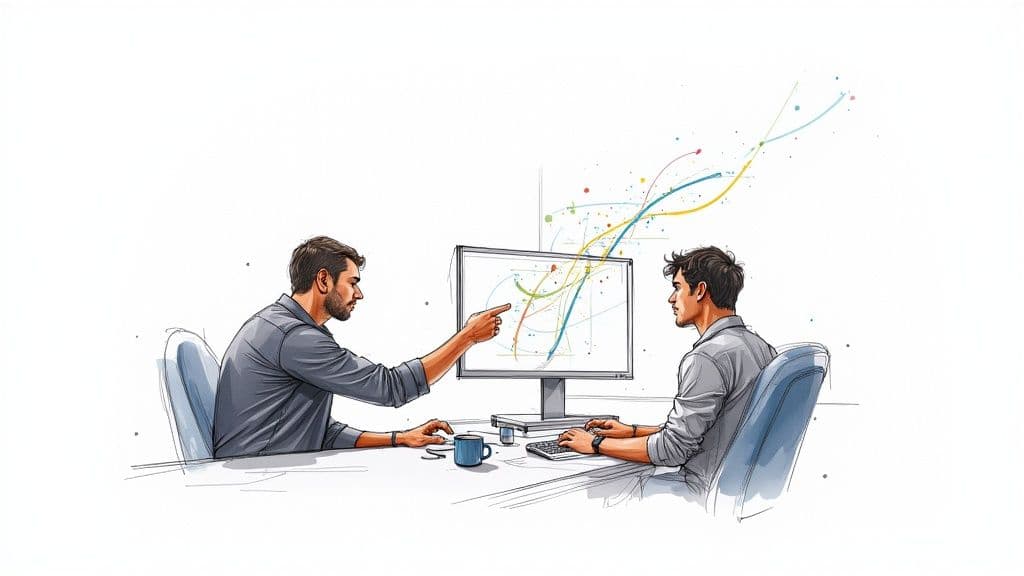
Think of a rally car team: the driver focuses on immediate turns while the navigator calls the route ahead. Pair programming turns coding into a continuous conversation that folds real-time code review, knowledge sharing, and problem-solving into the development process.
This setup replaces the slow handoff-and-review cycle with a structured, collaborative workflow. Instead of a developer coding alone and handing off work for review later, two minds stay locked on the same problem from the start.
How It Works in Practice
Roles are fluid. Pairs swap positions regularly so both people stay engaged. The driver handles tactical work: typing, running tests, and interacting with the editor. The navigator watches for mistakes, keeps the architecture in mind, and anticipates roadblocks.
Key navigator responsibilities:
- Observe and review code in real time.
- Think strategically about architecture and edge cases.
- Anticipate complexity and keep the task aligned with goals.
| Element | Description |
|---|---|
| The Driver | Hands-on-keyboard, focused on implementation details. |
| The Navigator | Observes, reviews, and guides the larger design and direction. |
| Shared Workspace | A single screen/keyboard (physically or virtually) so both developers share context. |
| Role Swapping | Regularly switching roles to share ownership and maintain engagement. |
| Continuous Dialogue | Ongoing communication that improves ideas, design, and knowledge transfer. |
This continuous feedback loop is the secret sauce: it’s not just two people writing code, it’s real-time review and shared ownership. That discipline supports robust systems and long-term maintainability.
Built-in Quality Assurance
One major advantage of pairing is an immediate improvement in code quality. Studies and aggregated statistics report large drops in defects alongside a small upfront time increase during development. For example, pairing has been associated with a substantial reduction in defects while adding modest upfront time costs to the task1. Empirical research also documents improvements in design quality and fewer integration issues when pairing is used consistently2.
Investing in collaboration early saves time and money on rework later. By catching mistakes as they happen and talking through design decisions in real time, teams write cleaner, more maintainable code from day one.
Exploring Key Pair Programming Models
Pair programming is flexible. Choose a model that fits the task, team, and goals.
Driver and Navigator
The classic model: one developer (Driver) codes while the other (Navigator) steers. Swap roles often—every 25–30 minutes is a common cadence—to keep both people engaged and learning.
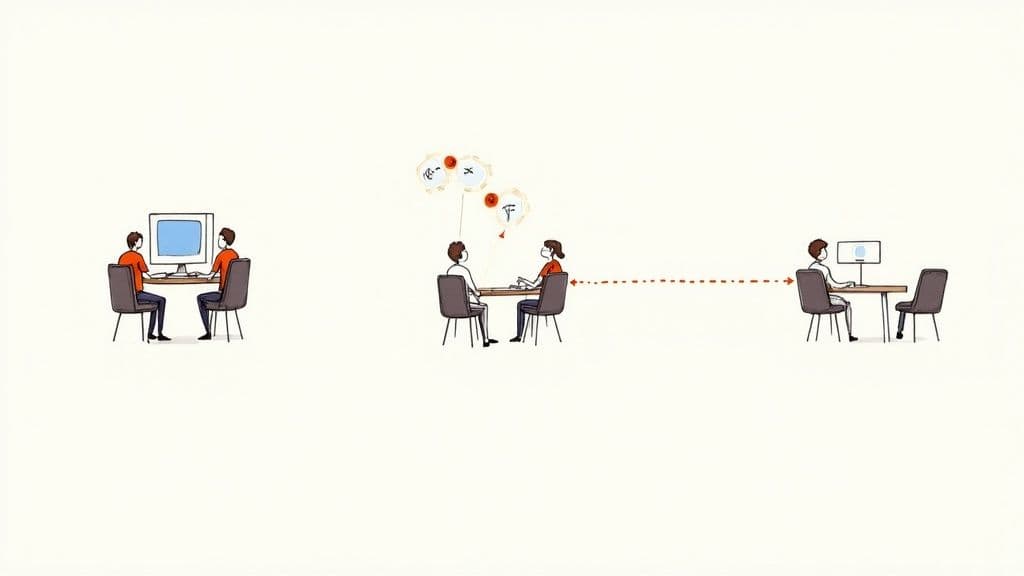
This setup builds shared context and encourages immediate problem solving.
Ping-Pong (TDD-Focused)
In the Ping-Pong model, the pair alternates writing tests and implementation:
- Developer A writes a failing test.
- Developer B writes just enough code to pass the test.
- Developer B writes the next failing test.
- Control pings back and forth as the feature grows.
This model enforces TDD habits and keeps both partners actively contributing.
Remote and Distributed Pairing
Remote pairing needs intentional communication and the right tools. Screen sharing and real-time IDE collaboration make remote pairing work well.
Key tools and requirements:
- Screen sharing and remote control (Zoom, Slack Huddles).
- Collaborative IDE features such as Visual Studio Live Share4.
- High-quality audio and quiet workspaces.
With the right setup, teams can collaborate effectively from anywhere.
Real Business Benefits of Pairing
Pair programming is an investment that pays off in fewer defects, faster onboarding, and reduced knowledge silos. Two sets of eyes on each change mean many mistakes are eliminated before code lands in the repository. Organizations that document pairing practices report improved code quality and faster team ramp-up when pairing is used regularly5.
Faster Onboarding and Knowledge Sharing
Pairing accelerates ramp-up for new hires. Instead of learning from static docs, new developers learn architecture, coding conventions, and context while working on real tasks.
Benefits include:
- Accelerated learning and earlier meaningful contributions.
- Faster cultural integration and alignment with team norms.
- Reduced knowledge silos and single points of failure.
Pairing builds shared ownership so teams are resilient when individuals are absent.
Trade-offs and Costs
Pairing may increase time on a single task slightly—studies suggest a moderate upfront time cost—yet teams usually recoup that investment with fewer bugs and less rework later1. Pairing also requires teams to develop communication habits and respect for different working styles.
How to Measure Pair Programming Success
To get buy-in, measure impact. Establish a baseline before you start and track the same metrics after pairing becomes routine.
Quantitative Metrics
Track metrics that reflect code health and delivery efficiency:
- Defect density: bugs per 1,000 lines of production code. Expect fewer production bugs as pairing becomes consistent.
- Cycle time: time from ticket start to completion. Pairing can shorten overall cycle time by reducing asynchronous review loops.
- Rework volume: frequency and size of post-release fixes. Less rework suggests stronger first-pass solutions.
A before-and-after comparison makes a persuasive case to leadership.
| Metric | How to Measure | Positive Outcome |
|---|---|---|
| Defect Density | Bugs per 1,000 lines in production. | Decrease in production issues. |
| Cycle Time | Time from work start to done. | Shorter overall cycle time. |
| Rework Volume | Amount of code revisited after release. | Reduced rework and refactoring. |
| Onboarding Time | Time-to-first-meaningful-contribution. | Faster ramp-up for new hires. |
| Knowledge Silos | Team reliance on single experts. | Broader expertise across the team. |
Qualitative Indicators
Qualitative signals matter too:
- Onboarding speed: earlier first commits and contributions.
- Team morale: improved engagement in retrospectives or pulse surveys.
- Knowledge sharing: more people comfortable working across systems.
Combine hard data and human observations for the full picture.
Getting Started: A Practical Guide
Start small with a pilot. Pick a low-risk, well-scoped ticket—like a small bug fix or non-critical feature—to let people learn the rhythm of pairing without heavy pressure.
Pilot checklist:
- Select a pair: match developers who are open to trying it; pairing a senior with a motivated junior supports mentorship.
- Define the task: choose a ticket that can be finished in a session or two.
- Set ground rules: agree on role swap cadence (every 25–30 minutes), break schedules, and how to resolve disagreements.
- Gather feedback: run a retrospective to capture what worked and what to adjust.
Establishing Rotation
A rotation spreads knowledge across the team. Avoid fixed pairings to prevent new silos. Regularly mix pairings so expertise is shared widely.
Introducing AI as a Third Collaborator
AI assistants like GitHub Copilot and Cursor can speed work by suggesting boilerplate and alternative approaches. Use AI to handle routine tasks while the human pair focuses on design, trade-offs, and architecture. AI adoption is growing in developer teams and can complement pairing when used thoughtfully6.
Common Pitfalls and How to Avoid Them
Pair programming is a skill. Be aware of common traps and address them proactively.
Expert-Novice Imbalance
If the senior dominates, the junior becomes a spectator. Use strict timers for role swaps and encourage the senior to mentor rather than lead every decision. Make the session a dialogue, not a monologue.
Personality Clashes
Different communication styles can cause friction. Create psychological safety: agree on short silent thinking pauses, give constructive feedback, and focus discussions on code, not personalities.
Burnout and Fatigue
Pairing requires concentration. Schedule regular breaks—use Pomodoro-style cycles (25 minutes focused, 5 minutes break) and longer breaks after several cycles—to avoid exhaustion.
Answering Common Questions
Are we really paying two developers to do one person’s job?
Not really. Pairing combines coding, review, and design thinking into one focused session. You get continuous review, fewer downstream defects, and less time spent on post-release fixes, which typically offsets the modest upfront cost1.
What happens when a pair can’t agree?
Disagreements are constructive. Discuss trade-offs and, if needed, time-box an approach for 15–20 minutes. If still unresolved, escalate to a tech lead for a tie-breaker.
Should a senior pair with a junior?
Yes. It’s an efficient way to mentor and transfer knowledge. The senior should guide and ask questions rather than dictate; the junior should stay curious and actively contribute.
At Clean Code Guy, we help teams implement practices like pair programming to ship maintainable, scalable software. If you’re ready to reduce bugs and accelerate delivery, explore our services or read more on our blog.
Quick Q&A
Q: What is pair programming in one sentence?
A: Two developers collaboratively write and review code in real time at a single shared workspace to improve quality and share knowledge.
Q: How do I start a pairing pilot?
A: Pick a small, well-scoped ticket, pair a willing senior with a junior, set a 25–30 minute swap cadence, and run a short retrospective after the session.
Q: What should I measure to prove value?
A: Track defect density, cycle time, rework volume, onboarding time, and also collect qualitative feedback on team morale and knowledge sharing.
Additional Concise Q&A
Q: How long should pairing sessions be? A: Keep focused sessions to 25–50 minutes with short breaks; role swaps every 25–30 minutes help maintain engagement.
Q: Which tasks are best for pairing? A: Use pairing for complex features, critical bug fixes, onboarding, and when architectural decisions are required.
Q: How do we stop pairing from becoming exhausting? A: Use scheduled breaks, vary pairings, and alternate between solo and paired work so developers get mental recovery time.
1.
Aggregated pair programming statistics and study summaries reporting defect reductions with modest upfront time increases: https://www.index.dev/blog/ai-pair-programming-statistics
2.
Laurie Williams and Robert Kessler, “All I Really Need to Know About Pair Programming I Learned in Kindergarten,” empirical studies on pair programming outcomes: https://dl.acm.org/doi/10.1145/358916.358931
3.
Screenshot and overview of pair programming on Wikipedia: https://en.wikipedia.org/wiki/Pair_programming
4.
Microsoft Visual Studio Live Share enables real-time collaborative editing and debugging across developer environments: https://visualstudio.microsoft.com/services/live-share/
5.
Atlassian overview of pair programming benefits and practical tips: https://www.atlassian.com/agile/teams/pair-programming
6.
Survey results indicating AI adoption trends among companies and developer teams: https://betakit.com/most-canadian-companies-are-walking-the-ai-adoption-race-report/
🙋🏻♂️
AI writes code.You make it last.
In the age of AI acceleration, clean code isn’t just good practice — it’s the difference between systems that scale and codebases that collapse under their own weight.