The Red‑Green‑Refactor Test‑Driven Development (TDD) cycle breaks work into small, verifiable steps: write a failing test, implement the minimum code to pass it, then clean up safely. Follow this guide for a practical React + TypeScript example, common pitfalls, and the business case for investing in test‑driven practices.
November 29, 2025 (10mo ago) — last updated October 20, 2026 (4d ago)
TDD: Red‑Green‑Refactor Guide
Learn the Red‑Green‑Refactor TDD cycle with workflow, a React + TypeScript example, and business benefits to build maintainable, high‑quality code.
← Back to blog
Red‑Green‑Refactor TDD Guide
Summary: Master the Red‑Green‑Refactor TDD cycle with practical workflow, examples, and business benefits to build cleaner, maintainable code.
Introduction
The Red‑Green‑Refactor Test‑Driven Development (TDD) cycle turns uncertainty into small, verifiable steps. Start by writing a failing test (Red), implement the smallest amount of code to pass it (Green), then safely clean up the implementation (Refactor). This disciplined loop improves design, reduces regressions, and helps teams deliver predictable, higher‑quality software. Many organizations integrate TDD into their agile workflows as part of broader quality practices1.
The rhythm of Test‑Driven Development
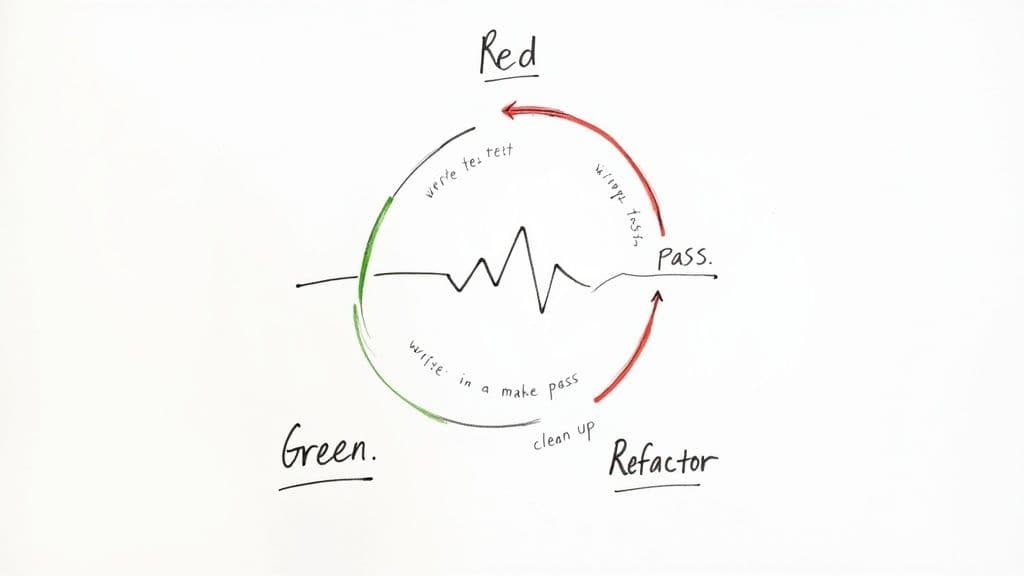
TDD is primarily a design practice. Writing the test first forces you to think about how the code will be used before implementing it. That flips the usual flow, reduces guesswork, and encourages small, deliberate progress.
The three stages, simplified
Each stage has one clear purpose and keeps work small and verifiable.
- Red (failing test): Add one automated test that describes the smallest useful behaviour. The failing test proves the requirement is meaningful.
- Green (make it pass): Implement the minimum code to satisfy the test. Prioritize simplicity to avoid over‑engineering.
- Refactor (improve the code): With tests passing as a safety net, improve names, remove duplication, and better structure the code without changing behaviour.
The refactor step is essential. Skipping it accumulates technical debt and makes future changes harder.
At a glance
| Phase | Purpose | Developer goal |
|---|---|---|
| Red | Define the requirement and validate the test | Write one small test that fails |
| Green | Satisfy the requirement | Add the minimum code to make the test pass |
| Refactor | Improve internal quality | Clean up duplication and clarify intent |
Adopting this cadence helps teams move predictably and reduces risk by making each change small and traceable. Empirical studies report measurable quality improvements from disciplined TDD practices2.
TDD in action: a small React + TypeScript example
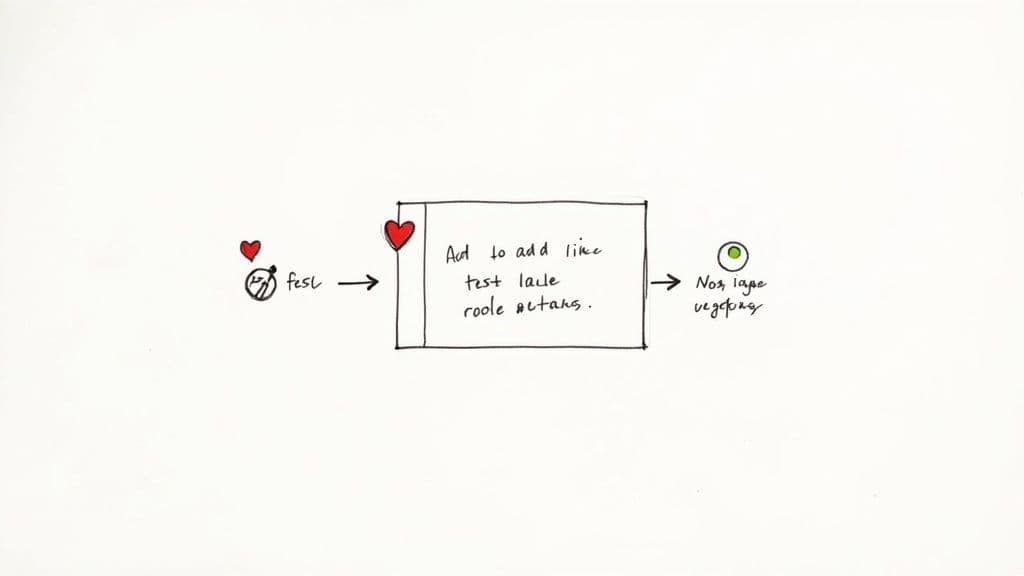
We’ll build a tiny UI component: a LikeButton using TypeScript, React, and Jest. This example shows how TDD guides design while keeping behaviour predictable.
Red phase: write the failing test first
Start with the simplest behaviour: the component renders and shows “Like.”
// LikeButton.test.tsx
import React from "react";
import { render, screen } from "@testing-library/react";
import LikeButton from "./LikeButton";

describe("LikeButton", () => {
  it("renders a button with the initial text \“Like\”", () => {
    render(<LikeButton />);
    const likeButton = screen.getByRole("button", { name: /like/i });
    expect(likeButton).toBeInTheDocument();
  });
});
Running the test fails because the component doesn’t exist yet. That failing test is the Red phase.
Green phase: implement the minimum to pass
Create the minimal component to satisfy the test.
// LikeButton.tsx
import React from "react";

const LikeButton = () => {
  return <button>Like</button>;
};

export default LikeButton;
Run the tests again; they pass. That’s the Green step completed.
Refactor: type and pattern improvements
Now polish the implementation: add types and a consistent pattern for future changes.
// LikeButton.tsx (refactored)
import React, { FC } from "react";

type LikeButtonProps = {};

const LikeButton: FC<LikeButtonProps> = () => {
  return <button>Like</button>;
};

export default LikeButton;
Tests still pass. The safety net lets you improve code with confidence.
Iterating: add click behaviour
New requirement: when clicked, the button text changes to “Liked” and the button becomes disabled. Start with a failing test.
// LikeButton.test.tsx
it("changes text to \“Liked\” and becomes disabled when clicked", () => {
  render(<LikeButton />);
  const likeButton = screen.getByRole("button", { name: /like/i });
  fireEvent.click(likeButton);
  expect(likeButton).toHaveTextContent("Liked");
  expect(likeButton).toBeDisabled();
});
Add the minimal implementation to pass the test.
// LikeButton.tsx
import React, { FC, useState } from "react";

type LikeButtonProps = {};

const LikeButton: FC<LikeButtonProps> = () => {
  const [liked, setLiked] = useState(false);
  const handleClick = () => setLiked(true);
  return (
    <button onClick={handleClick} disabled={liked}>
      {liked ? "Liked" : "Like"}
    </button>
  );
};

export default LikeButton;
Run the suite — all green. Repeat: one small requirement at a time, protected by tests.
The business case for code quality
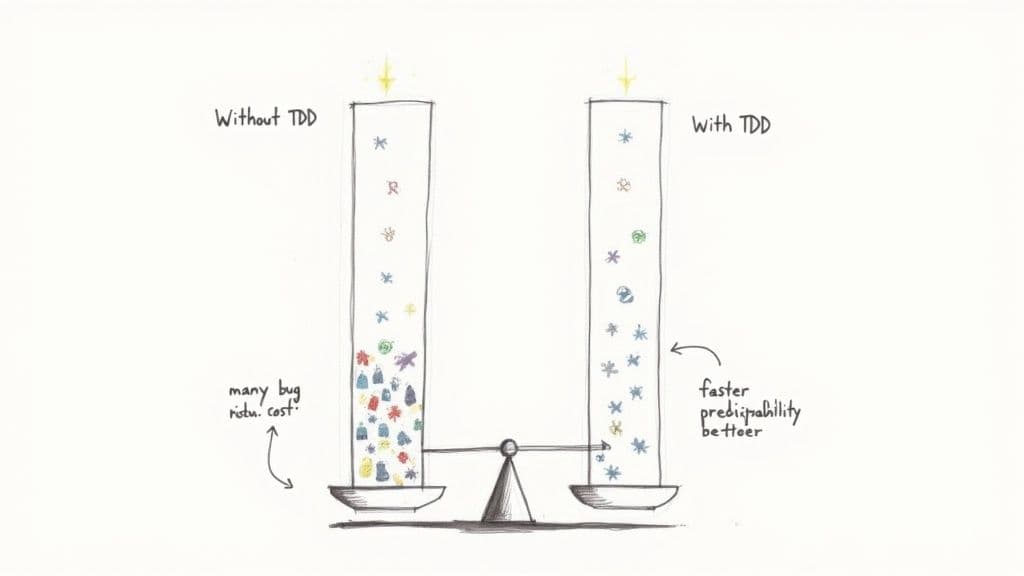
TDD’s engineering benefits map directly to business value. Fewer defects in production mean lower support costs, less customer churn, and a stronger reputation. When defects are caught early they’re cheaper to fix, letting teams spend more time delivering new features. Empirical work links disciplined TDD to measurable quality improvements and reduced debugging effort2.
Reduce post‑release defects and maintenance costs
Writing tests before code helps ensure production code exists to satisfy a verified behaviour. That creates a robust safety net and reduces unexpected regressions. A strong focus on quality upfront lowers total cost of ownership by preventing the compounding cost of technical debt.
Accelerate onboarding and improve predictability
A comprehensive test suite acts as executable documentation. New developers can run tests to learn expected behaviour rather than relying on potentially outdated wikis, shortening ramp time and reducing the support burden on senior engineers.
Consistent TDD practices also improve predictability. Breaking work into many small, tested cycles makes estimates and progress tracking more reliable, aiding planning and stakeholder communication.
Common TDD pitfalls and how to avoid them
TDD is simple to describe but subtle to master. These anti‑patterns commonly reduce TDD’s effectiveness.
Integration tests disguised as unit tests
Problem: Tests exercise many moving parts—the component, its services, API clients, and maybe a database. The test becomes slow, brittle, and noisy.
Fix: Test a single unit in isolation. Use mocks, stubs, and fakes for external dependencies. If you need integration coverage, write dedicated integration tests that run separately. A true unit test shouldn’t touch the network, filesystem, or a real database; its speed and reliability let you refactor fearlessly4.
Testing implementation rather than behaviour
Problem: Tests assert internal details instead of public behaviour. Tests break when you refactor internals even though behaviour remains correct.
Fix: Test the public API and observable effects. Given an input, what output or visible side effect should occur? Behavioural tests resist unrelated refactors and serve as reliable documentation.
Skipping the refactor step
Problem: Developers rush to the next feature after getting tests to pass, leaving messy implementations behind.
Fix: Treat refactor as a required step. With tests passing, small cleanups are safe and compound into a codebase that’s easy to change.
Integrating TDD into your team and legacy code
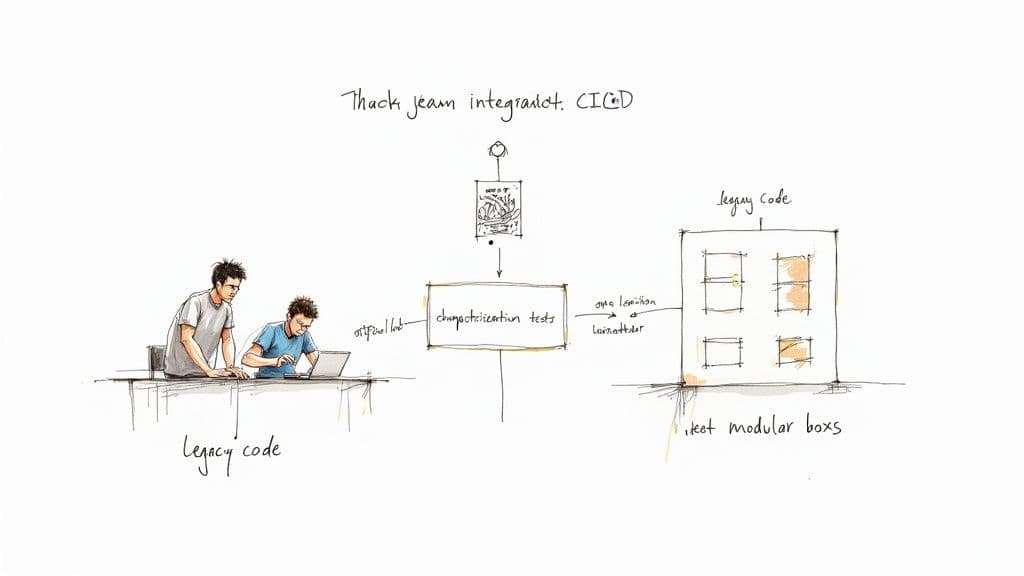
Adopting TDD is a cultural change as much as a technical one. Encourage hands‑on learning, make tests part of the Definition of Done, and celebrate test‑driven wins.
Build momentum within the team
Practical ways to spread TDD:
- Pair programming where an experienced developer guides a teammate through the Red‑Green‑Refactor cycle.
- Mob programming for complex problems, rotating the driver to spread knowledge.
- Lunch‑and‑learn sessions that demonstrate real examples of TDD in your codebase.
Start small and let early test catches become proof points.
Taming legacy code with characterization tests
When code is untested and risky to change, write characterization tests to document current behaviour. These tests let you refactor or add features with confidence by first asserting how the system behaves today.
Automate quality with CI/CD
Run the test suite on every commit in continuous integration to get immediate feedback, enforce quality gates, and make passing tests mandatory before merging. Automation keeps the test feedback loop fast and dependable and reduces integration surprises in shared branches3.
For more on CI/CD best practices, see our testing and CI guide: Testing & CI Best Practices.
Your top TDD questions, answered
Does TDD replace other kinds of testing?
No. TDD focuses on unit tests as a design tool, but you still need integration and end‑to‑end tests to validate component interactions and full user flows.
How do I use TDD with databases or external APIs?
Isolate code from external dependencies using mocks, stubs, or fakes. Test your logic in a bubble and reserve real integration tests for a separate suite.
Is it worth testing simple UI components?
Yes, when you test behaviour, not implementation. Verify what users see and do — for example, whether a button renders the right label or triggers the correct action when clicked.
Quick Q&A
Q: How quickly will my team see value from TDD?
A: Many teams notice fewer regression bugs and faster debugging within a few sprints when they consistently apply TDD practices.
Q: What’s the smallest first step to adopt TDD?
A: Start with one new feature or a noncritical bug: require a failing test before implementation and make refactor a required step.
Q: How do I convince stakeholders to invest time in tests?
A: Show long‑term cost savings: fewer production incidents, lower maintenance costs, and faster feature delivery. Use recent incidents from your codebase as concrete examples.
Bottom‑line Q&A
Q: What’s the simplest summary of Red‑Green‑Refactor? A: Write a failing test, make it pass with the smallest change, then refactor for clarity and maintainability.
Q: Why is refactor required? A: Refactor keeps the codebase healthy and prevents technical debt from accumulating, making future changes easier.
Q: How does TDD help the business? A: TDD reduces regressions, improves predictability, and turns tests into living documentation that speeds onboarding and lowers maintenance costs.
1.
Digital.ai, “State of Agile Report,” Digital.ai, https://digital.ai/resource-center/state-of-agile-report
2.
Basili, Victor R., et al., “An Empirical Study on the Effects of Test-Driven Development,” https://link.springer.com/article/10.1007/s10664-015-9378-2
3.
Google Cloud, “State of DevOps Report,” https://cloud.google.com/devops/state-of-devops
4.
Martin Fowler, “TestDrivenDevelopment,” https://martinfowler.com/bliki/TestDrivenDevelopment.html
🙋🏻♂️
AI writes code.You make it last.
In the age of AI acceleration, clean code isn’t just good practice — it’s the difference between systems that scale and codebases that collapse under their own weight.