Clean Code remains essential reading. Robert C. Martin’s practical rules—meaningful names, tiny functions, and continuous refactoring—help teams write readable, maintainable software that reduces technical debt and speeds delivery. First published August 1, 20081.
November 21, 2025 (10mo ago) — last updated June 28, 2026 (3mo ago)
Clean Code Principles: Uncle Bob’s Guide
Master Uncle Bob’s Clean Code rules—meaningful names, tiny functions, refactoring, and TypeScript tips—to write readable, maintainable software and reduce technical debt.
← Back to blog
Clean Code Explained: Uncle Bob’s Principles
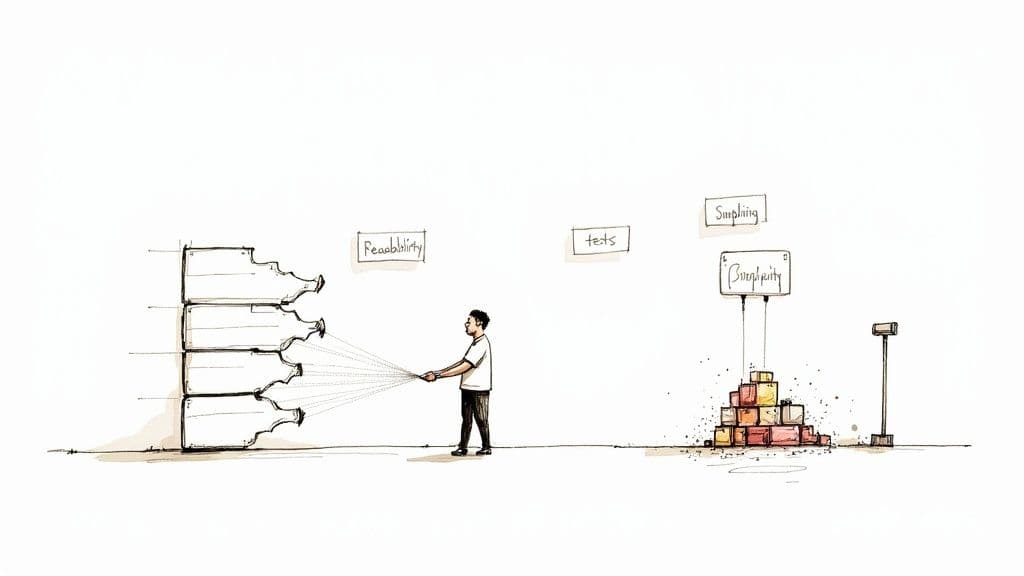
Unlock the core ideas from Robert C. Martin’s influential book and learn practical techniques to write readable, maintainable software that lasts.
Introduction
More than a decade after its first publication, Clean Code: A Handbook of Agile Software Craftsmanship remains required reading for professional developers. The book teaches a craftsperson’s approach to code quality: choose names that reveal intent, keep functions tiny, prefer expressive code over comments, and make refactoring a continuous habit. These practices reduce technical debt and make systems easier to change, helping teams deliver faster. First published on August 1, 20081.
Why Clean Code Still Matters
Uncle Bob’s principles are language-agnostic. They focus on reducing complexity, improving readability, and lowering maintenance costs. Treating development as a long-term craft—rather than a sequence of short-term hacks—keeps teams productive and systems resilient.
The Cost of Poor Code
Messy code accumulates technical debt. Every unclear name, shortcut, or overly complex function increases maintenance effort and slows future work. Teams commonly spend a sizable portion of their time on maintenance and paying down technical debt, which reduces feature velocity and raises risk2.
Start Small: The Boy Scout Rule
Make one small improvement each time you touch code. These tiny, regular fixes compound into noticeable gains for maintainability and team morale.
Core Clean Code Principles
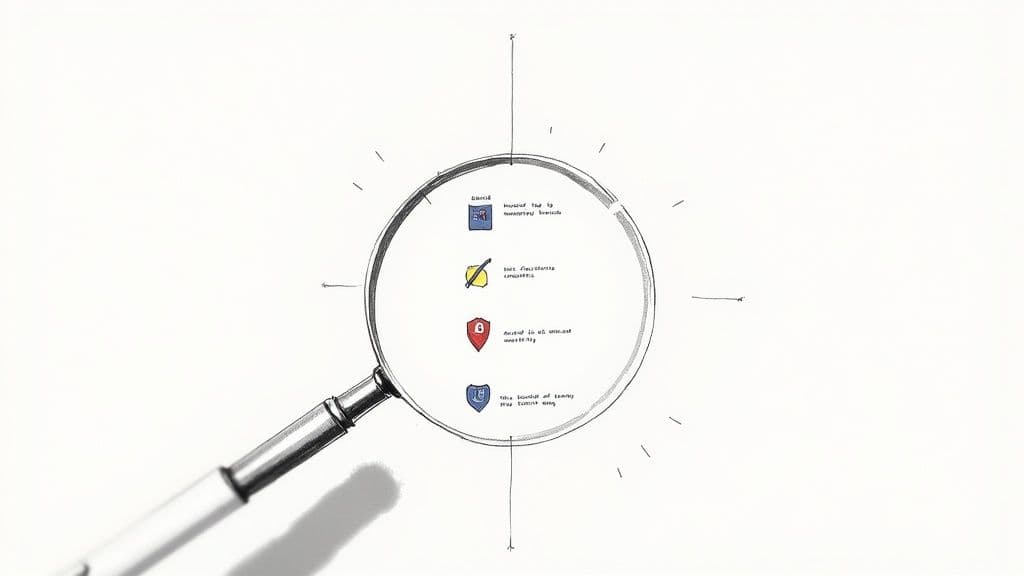
Clean Code emphasizes clarity and simplicity. Naming, function size, error handling, and formatting each contribute to a healthier codebase.
Meaningful Names
Names should reveal intent. elapsedTimeInDays communicates clearly; d does not. Clear names reduce cognitive load and speed debugging and onboarding.
Small, Focused Functions
Keep functions tiny and single-purpose. When a function mixes responsibilities it becomes hard to test and maintain. Extract smaller helpers to improve readability, reuse, and testability.
Comments and Self-Documenting Code
Many comments exist to explain unclear code. Prefer self-documenting code and reserve comments for legal notices or genuinely non-obvious algorithms. When a comment merely repeats the code, rewrite the code instead.
Bad comment:
// Check if the user is eligible
Self-documenting code:
if (isUserEligible())
Formatting and Data Structures
Consistent formatting helps readers scan code quickly. Favor objects that encapsulate behavior over data structures that expose raw data when appropriate. Choosing the right abstraction reduces coupling and improves resilience.
Key Principles at a Glance
| Principle | Problem It Solves | Practical Benefit |
|---|---|---|
| Meaningful names | Ambiguous, hard-to-understand code | Code reads like documentation; faster onboarding |
| Small functions | Large, complex functions | Easier testing, reuse, and debugging |
| Comments | Code needing external explanation | Encourages clearer, expressive code |
| Formatting | Inconsistent layout | Faster code reviews and comprehension |
| Error handling | Nested, cluttered logic | Clearer separation of normal and error flows |
The Scout Rule—always leave the code a little better—captures Clean Code’s ongoing approach.
Applying Clean Code to Modern JavaScript and TypeScript

Although Martin uses Java examples, the lessons apply directly to React, Node.js, and TypeScript. Translate the ideas: components become classes, hooks replace shared utility code, and small modules replace monolithic files.
From Classes to Components and Hooks
Apply single responsibility: a component should have one reason to change. Break large components into custom hooks, reducers, and small presentational pieces.
Refactor pattern:
- Move data fetching into a custom hook like useUserData.
- Encapsulate complex state in reducers or hooks.
- Create small presentational components that accept data via props.
This yields cleaner, more testable code and simplifies reuse. For detailed steps and checklists, see our Refactoring guide.
Refactoring Example
Before: a single UserProfile component handles fetching, loading, errors, and presentation. After: split into a custom hook (useUser), a presentation component (UserProfileCard), and a container that wires them together. Each unit has a single responsibility, improving maintainability and reducing bugs.
TypeScript as a Guardrail
TypeScript’s static types make contracts explicit and prevent many runtime errors. Interfaces and types clarify inputs and outputs, improving dependency injection and testability. TypeScript adoption has grown among professional developers, reinforcing its role as a tooling guardrail for larger codebases4.
Pair Clean Code with TypeScript to build safer, easier-to-refactor systems. See related advice in our TypeScript best practices.
Refactoring Legacy Code: A Roadmap
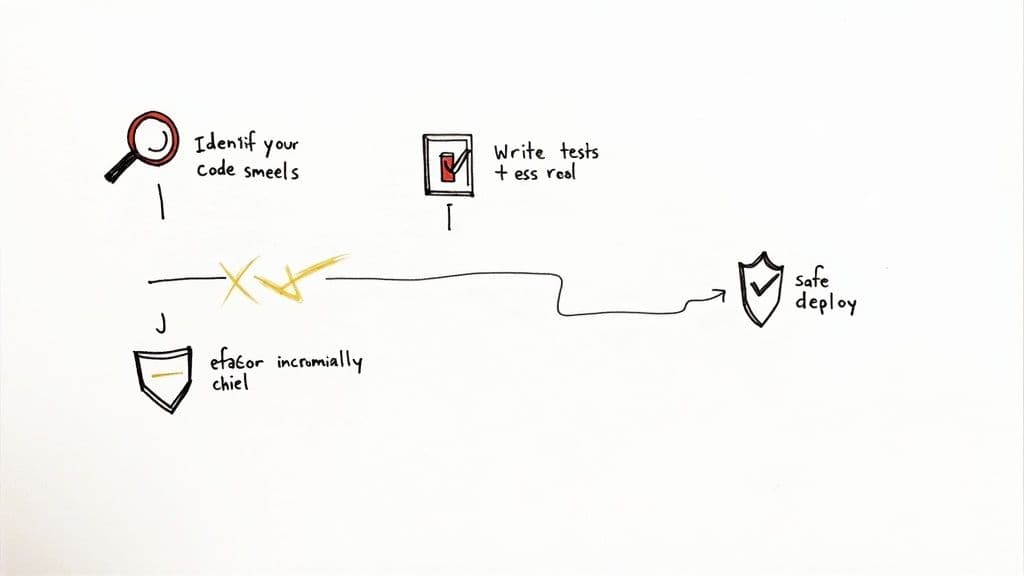
Refactoring legacy systems is continuous work. Focus on areas that cause the most pain: files that change often or have a long bug history.
Find the First Targets
Run a code audit to locate high-impact targets. Prioritize quick wins: low-risk refactors that deliver large maintainability gains. Use tests as your safety net—don’t refactor untested code without adding tests first.
“Never ask permission to refactor. Never ask permission to write tests. You do these things because you KNOW they are the best way to go fast,” Martin writes.
Common Code Smells and Fixes
| Code Smell | Example | Recommended Refactor |
|---|---|---|
| Long function | Validation, processing, and saving mixed together | Extract methods into smaller functions |
| Large class | API calls, state, and business logic mixed | Extract classes to separate concerns |
| Feature envy | Method manipulating another class’s data | Move method to the data-owning class |
| Primitive obsession | Using primitives for domain concepts | Create a dedicated type or class |
Make refactoring part of code reviews and team practice. Use a code-review checklist to catch smells early.
Building a Team Culture of Quality
Refactoring succeeds when the whole team owns quality. Discuss smells in reviews, run workshops on real code, and reward the habit of leaving code better than you found it. Visible quality—tests, small improvements, consistent formatting—changes behavior across the team.
Clean Code and AI Coding Assistants
AI assistants speed routine tasks but don’t replace developer judgment. Use AI to generate boilerplate, suggest refactors, and draft tests, but always review output against Clean Code principles.
AI can help by:
- Generating boilerplate so developers focus on design
- Suggesting refactors into smaller functions as a starting point
- Drafting unit tests to increase coverage quickly
However, accepting AI output blindly can introduce vague names, magic numbers, or duplicated logic. Use Clean Code as a quality filter: check names, single responsibility, testability, and readability before merging AI-generated code.
About Robert C. Martin
Robert C. Martin’s guidance stems from decades of software practice. He was an early contributor to the Agile movement and wrote several influential books, including Clean Architecture and The Clean Coder. His advice emphasizes professional habits and long-term responsibility in software development3.
Frequently Asked Questions
Is Clean Code still relevant despite Java examples?
Yes. The ideas are language-independent. The goal is a craftsperson’s mindset—clear names, tiny functions, and testable code—that applies to TypeScript, Python, C#, and more.
What’s the single most important takeaway?
The Boy Scout Rule: always leave the code better than you found it. Small, continuous improvements compound into big gains in maintainability and velocity.
How do I convince my team to adopt these practices?
Lead by example, tie improvements to business outcomes (fewer bugs, faster onboarding), and run low-risk experiments like a refactor workshop. Make tests and small refactors part of routine development.
Quick Q&A — Common Questions and Answers
Q: How do I start refactoring a large legacy codebase?
A: Run a focused audit, add tests where needed, and apply small, incremental refactors to high-change, high-bug areas.
Q: When are comments acceptable?
A: Use comments for legal notes or truly non-obvious domain constraints. Prefer rewriting code to be self-explanatory for routine logic.
Q: Can AI replace code reviews?
A: No. AI speeds repetitive tasks, but human reviewers must enforce design, naming, and long-term maintainability.
Concise Q&A Summaries
Q: What Clean Code habits should I start today?
A: Use meaningful names, keep functions tiny, write tests before refactoring, and leave files slightly better after changes.
Q: Where should refactoring focus first?
A: Target files that change often or have recurring bugs—small improvements there give the biggest return.
Q: How does TypeScript support Clean Code?
A: Static types make contracts explicit, reduce runtime errors, and expose unclear interfaces that need refactoring4.
Three Concise Q&A Sections
Q&A 1 — Getting Started
Q: What is the first thing I should change in messy code?
A: Improve names and extract the most obvious long function into smaller helpers.
Q&A 2 — Team Practices
Q: How do we make refactoring part of everyday work?
A: Enforce small refactors in code reviews, add tests, and celebrate incremental improvements.
Q&A 3 — Tools and Safety
Q: What tools help enforce Clean Code habits?
A: Linters, type systems like TypeScript, automated tests, and CI checks help catch regressions early.
1.
Robert C. Martin, Clean Code: A Handbook of Agile Software Craftsmanship, first published August 1, 2008; publication details: https://www.pearson.com/en-us/subject-catalog/p/clean-code-a-handbook-of-agile-software-craftsmanship/P200000009044/9780136083252
2.
Documentation and guides on technical debt estimate that teams commonly spend a sizable portion of development time—often reported in the 20–40% range—managing maintenance and technical debt; see Atlassian’s technical debt guide: https://www.atlassian.com/continuous-delivery/technical-debt
3.
Robert C. Martin’s biography and role in the Agile movement, along with his other works (Clean Architecture, The Clean Coder): https://en.wikipedia.org/wiki/Robert_C._Martin
4.
TypeScript adoption and its growth among professional developers is documented in industry surveys such as the Stack Overflow Developer Survey; see: https://survey.stackoverflow.co/
🙋🏻♂️
AI writes code.You make it last.
In the age of AI acceleration, clean code isn’t just good practice — it’s the difference between systems that scale and codebases that collapse under their own weight.